comments:
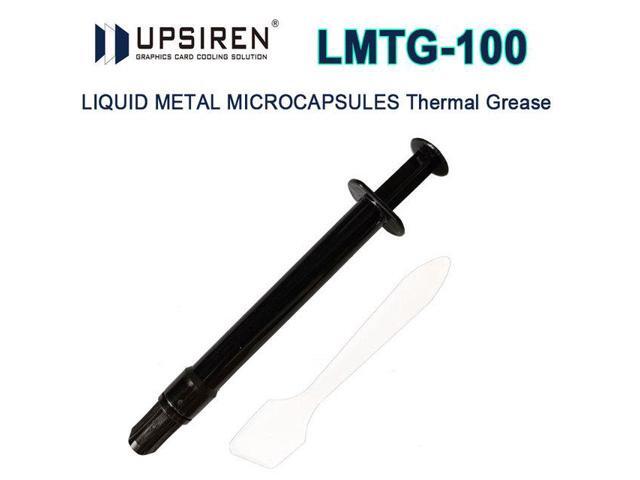
On my new A51 18, the temps are what I would consider right about where they are supposed to be. Especially given the fact that I've got three years of history with two, very precisely tuned 14900K desktops on a 360 AIO to compare the new laptop to. I ran very consistent Cinebench R23 tests (5 min loop) with the A51 18 that I bought from MicroCenter about seven months back. I did 5 minute looped CBr23 tests on the "Balanced" profile, the "Overdrive" profile and on the "Custom" profile I created to run the machine at the lowest CPU boost speeds with the highest (-15mv) undervolt allowed by the locked down 275HX CPU. You can view the full results of those tests here --> Area 51 18 / Cinebench Thermals And here are the results of just the "Balanced" Profile. My temps today are about the same as shown below: That's a full five minutes; I've found little deviation in CBr23 between 5 and 10 minute runs so I typically use 5 minutes as the most time considerate test. If you view the link above that image, you will see that the "Overdrive" profile tested a bit cooler on average but the same peak CPU core temp and with a notably better score. My "custom" profile tested warmer than the "Balanced" profile but also with a notably better score. I posted that information linked above when I first got my A51 18 because I actually had purchased one previous to my current one that was testing in the high 90c range, throttling like mad. I had read/viewed enough reviews to know that my first sample was not right so I returned it the next day for the unit I currently have. So I thought I would share those results in the detailed post for any potential new buyers to test their own rigs against, a benchmark of sorts. My A51 18 stays flat on a desk just about all the time. This may/may not contribute to the (I assume) typically large amount of E31 paste they apply still being in place and not migrating as fast as it might if I were carrying the laptop around all day in a vertical/backpack position. I've seen E31 quite a bit in reviews/videos and it's essentially normal thermal paste with liquid metal suspended throughout. Upsiren makes a similar paste called UPSIREN LMTG-100. Exactly as I suspect E31 to be, normal paste with liquid metal distributed/suspended throughout. I tried the LMTG-100 on one of my 14900K desktops back when I was building/tuning them (3+ years ago) and I did not find it very effective. It also left a permanent stain on top of the CPU IHS I tested it on. So I haven't messed with it since. I use PTM7950 on my desktops, two 50/40 series GPUS and my older A51mR2 laptop with the heatsink mount pressure mod but I'm not touching the new AW 18 until I see some obvious sign of thermal degradation. And if I *do* see thermal problems with the new laptop, I'll call Dell out to do it and supervise like a mad parent lol. I generally trust my own skills over any given tech's but the new 2026 machine is NO WHERE NEAR as user/DIY friendly as the old A51mR2 is. I'm not a Super Laptop Tear Down Guy or anything and honestly, the new one gives me pause. So I'd rather let the "pros" come out and mess it up before I do. 😉 Best of luck ~h