similar products:
comments:
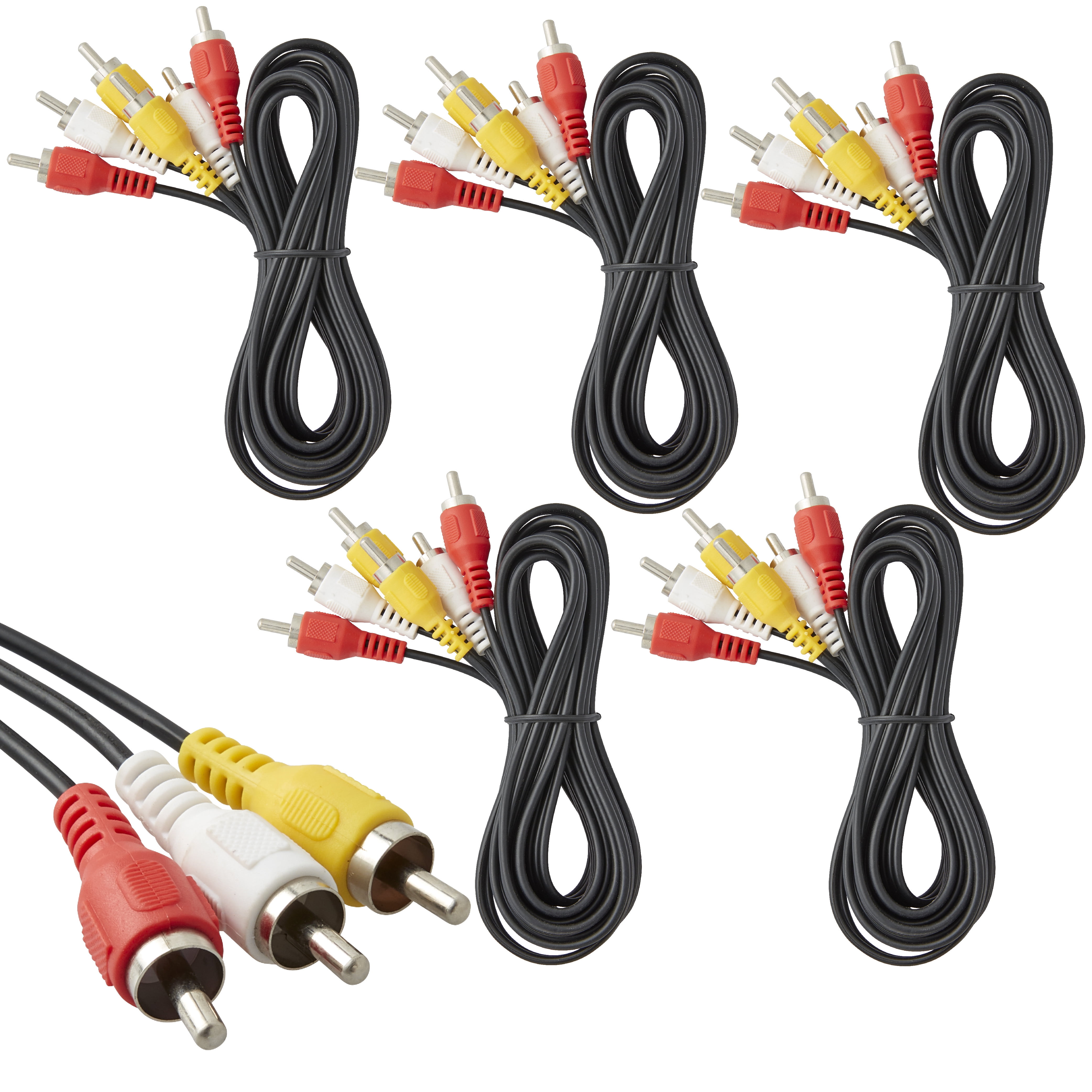
To connect your older DVD player to the Samsung UA43M5523, you must use the TV's shared Component / Composite AV input, which requires a special 3.5mm-to-RCA adapter cable (often included in the TV's original box). Because this TV has a slim design, it does not have the standard, bulky red, white, and yellow ports on the back panel. Instead, it uses a single 3.5mm mini-jack port labeled AV IN / COMPONENT IN. [1] What You Need Your DVD Player Cable: A standard RCA cable with Yellow (Video), White (Audio Left), and Red (Audio Right) plugs on both ends. The Samsung AV Adapter: A short breakout cable. One end is a single 3.5mm auxiliary plug (looks like a headphone plug), and the other end splits into Yellow, White, and Red RCA ports. [1, 2, 3, 4, 5] Step-by-Step Connection Guide Connect to the DVD Player Plug the Yellow, White, and Red ends of your standard RCA cable into the corresponding Video Out and Audio Out ports on the back of your DVD player. [1, 2] Connect to the Adapter Match and plug the other ends of that same RCA cable into the colored female slots of the Samsung 3.5mm AV Adapter. Connect to the TV Plug the single 3.5mm mini-jack end of the adapter directly into the AV IN port on the back of your Samsung TV. Switch the TV Source Turn on both the TV and the DVD player. Press the Home button on your remote, navigate to Source, and select AV.