comments:
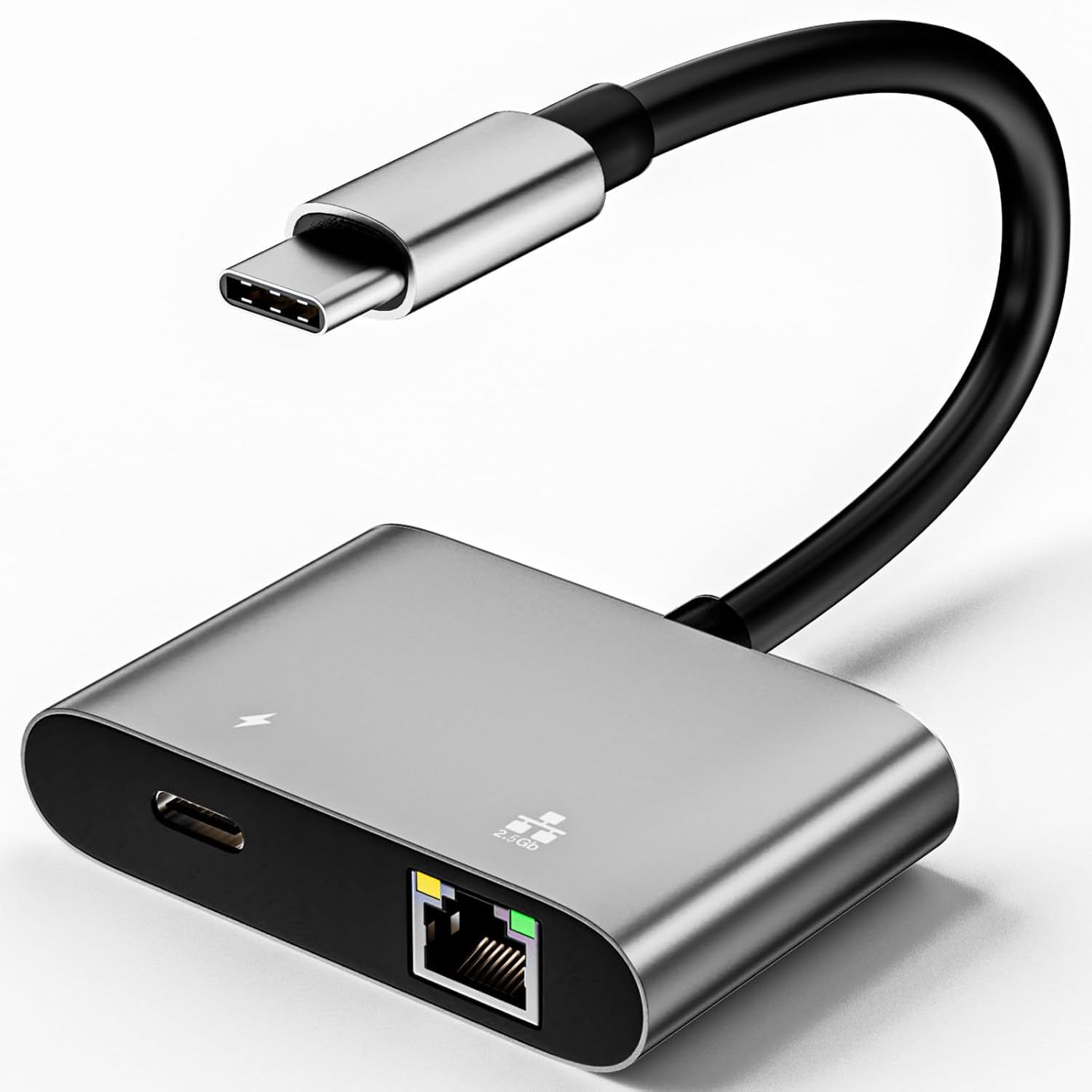
Yes, RTL8153 works with WiFi turned off with clean v2.3 5208318.3150.520. However, something in the latest software updates is causing the adapter to drop from the system as soon as the UI or a regular app tries to use it. I don't have the time at the moment to determine which package, but by the names, I'd suspect com.oculus.systemintelligence or com.oculus.systemutilities. For now, I uninstalled them all. Of course, they'll reinstall when the headset checks for updates. None that I know of, but I haven't checked the config file lately. VPNs can add entries without root. Gnirehtet works that way (adds the specified subnet going through tun0.) My RTL8156B TiavalMax 2.5Gbps adapter works on the Quest 3. I can't replicate your gateway issues. During the time that the adapters are active, they are assigned the proper addresses by my DHCP server, they acknowledge the assignment, and they respond as expected. Logcat shows the proper gateway. As confirmation, I can reboot my headset with the adapter connected and ping -t ExpectedIPAddress from my PC for as long as I want while the headset is at the profile selection screen. As I noted in answer 1, I didn't have a problem with the adapters until something like the OS/app/game used them.