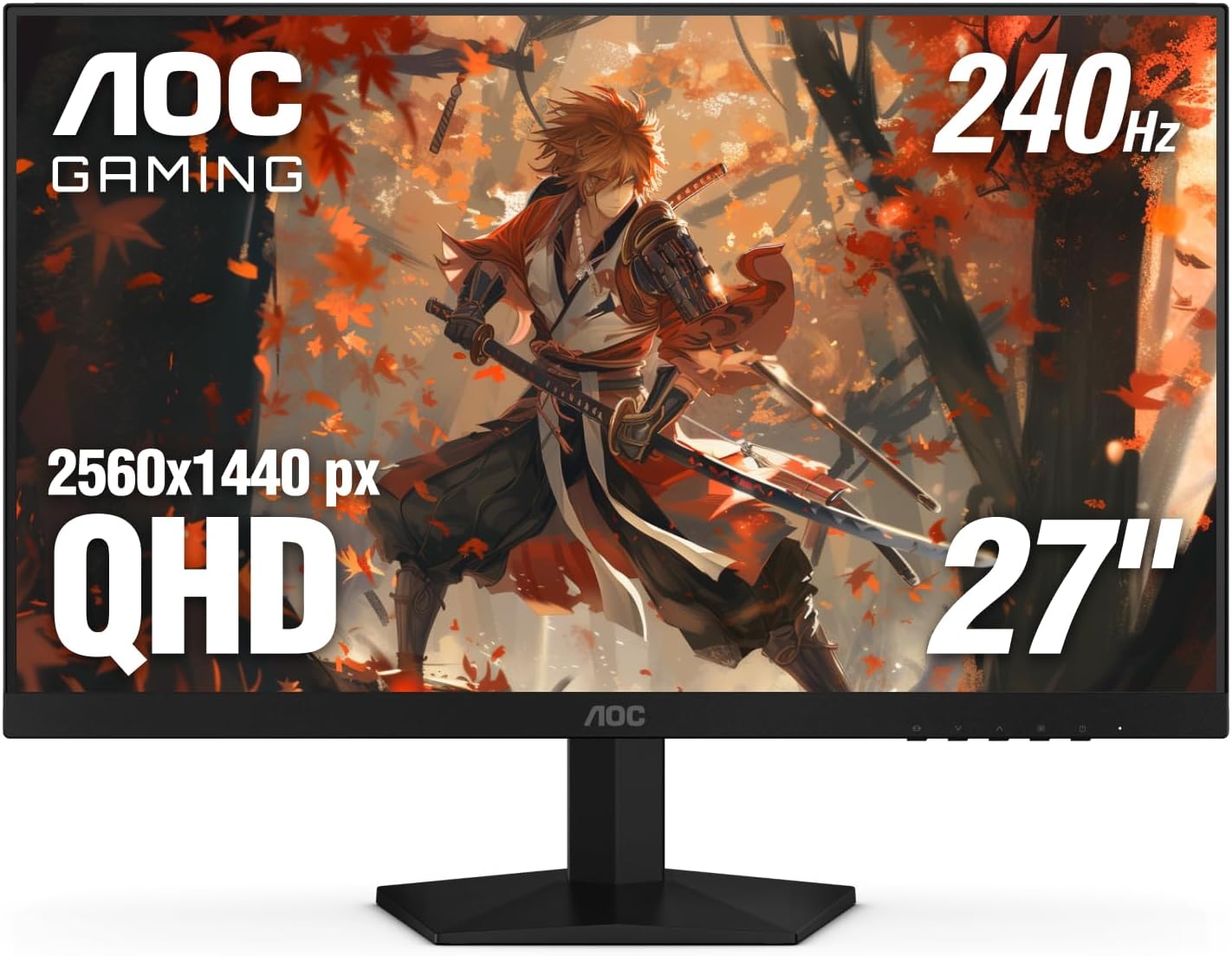
AOC 27 Inch QHD Gaming Monitor 240Hz 0.3ms, Overclock 260Hz, IPS, 2560x1440, G-Sync Compatible, HDR Ready, DisplayPort 1.4 HDMI 2.0, VESA Mount, 3-Year Zero-Bright-Dot, Q27G41ZE

AOC 27 Inch QHD Gaming Monitor 240Hz 0.3ms, Overclock 260Hz, IPS, 2560x1440, G-Sync Compatible, HDR Ready, DisplayPort 1.4 HDMI 2.0, VESA Mount, 3-Year Zero-Bright-Dot, Q27G41ZE

similar products:

comments:

jeremiasarnijas posted on r/argamingconsultas1w

Tengo este AOC lo compre hace 2 meses, tardo 20 días en llegar y me llego perfecto sin pixeles muertos. Lo único que hay que conectarlo con el enchufe americano y ya vienen con el transformador adentro para los 220v de acá. El tema de la garantía luego de los 30 días no se bien como será pero se que algunos se comunicaron con amazon y este se hizo cargo del envió para que te lo cambien, aun así si dan 30 días para devolverlo, yo creo que es suficiente para probarlo y saber que va a andar bien.

BaronB posted on r/buildapc1w

Short answer, no. It’s a 32” monitor, but not the kind of 32” monitor most people are looking for when they’re looking for 32” monitors. It’s an ultrawide 21:9 aspect monitor with a 2520x1080 resolution. Most of the time when people are looking for 32” monitors they‘re looking for 32” 4k (3840x2160) or ”2k“ / QHD / 1440p (2560x1440) 16:9 aspect monitors. Something like this is more what people are looking for with a budget 32” monitor. https://www.amazon.com/Samsung-32-Inch-Odyssey-FreeSync-LS32CG550ENXZA/dp/B0CRGJC5ZD/ Or this for a 27” option. https://www.amazon.com/AOC-Q27G41ZE-2560x1440-Compatible-Zero-Bright-Dot/dp/B0FF5HXGJK/

Nagol567 posted on r/pcbuild1w

https://pcpartpicker.com/list/tskFsK This would give you a good gaming experience. But you would have to build it yourself. Its not hard just watch a few recent YouTube videos and read the manuals. Also get a USB stick and thermal paste and a Philips head screw driver and needle nose pliers and you are in business. This PC is also highly Upgradeable to where if you want more you can go up to the best gaming hardware there is without anything truly limiting you. Edit: https://a.co/d/01XL4ImG cheap 1440p monitor but it has high refresh rate which will be the main benefit over console (besides fully customizable) and you can go from there and use this as a secondary monitor if you upgrade or sell it without loosing a whole bunch.

QueasyEngineering419 posted on r/buildapcforme2w

I would build if Micro Center is realistic, then aim for 1440p rather than basic 1080p. The AOC Q27G41ZE fits that monitor slot, but budget a separate stand later if height matters.

TetraTimboman posted on r/pcadvice2w

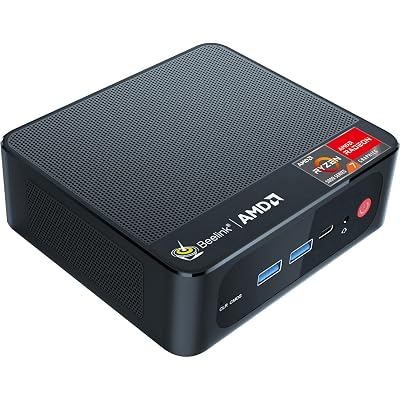
No point to getting an "All-in-one" computer because you can get a better monitor like 2560x1440 240Hz for under $200 and then either a mini-pc or a regular desktop computer with dedicated graphics card. Monitor like:https://www.amazon.com/AOC-Q27G41ZE-2560x1440-Compatible-Zero-Bright-Dot/dp/B0FF5HXGJKMiniPC like:https://www.amazon.com/Beelink-SER5-5700U-4-34GHz-Computer/dp/B0CFDPLMNMWhich has performance like:https://www.youtube.com/watch?v=2xsEacw-TjM And if you want more performance than that, then have the same monitor but get a higher up mini PC or get a microcenter prebuilt like:https://www.microcenter.com/product/699677/powerspec-g528-gaming-pc

Common-Beautiful353 posted on r/pcmasterrace3w

no. get this and get this monitor. you'll pay more sure but it's a much MUCH better combo though. anyway you should really pass on that monitor even if you landed on this pc. please get the monitor i recommended instead. 1440p 240hz vs a 1080p 100hz "curved" monitor yea you'll pay 50 bucks more but that monitor (that i recommended) is much better

Soil-Final posted on r/buildapcsales9w

Sure, https://a.co/d/04jwj0Ah

dirtyboots702 posted on r/buildapcsales9w

Any better than this AOC outside of the stand? https://a.co/d/0bKMSviy

AOC 27 Inch QHD Gaming Monitor 240Hz 0.3ms, Overclock 260Hz, IPS, 2560x1440, G-Sync Compatible, HDR Ready, DisplayPort 1.4 HDMI 2.0, VESA Mount, 3-Year Zero-Bright-Dot, Q27G41ZE | eaves-shop